

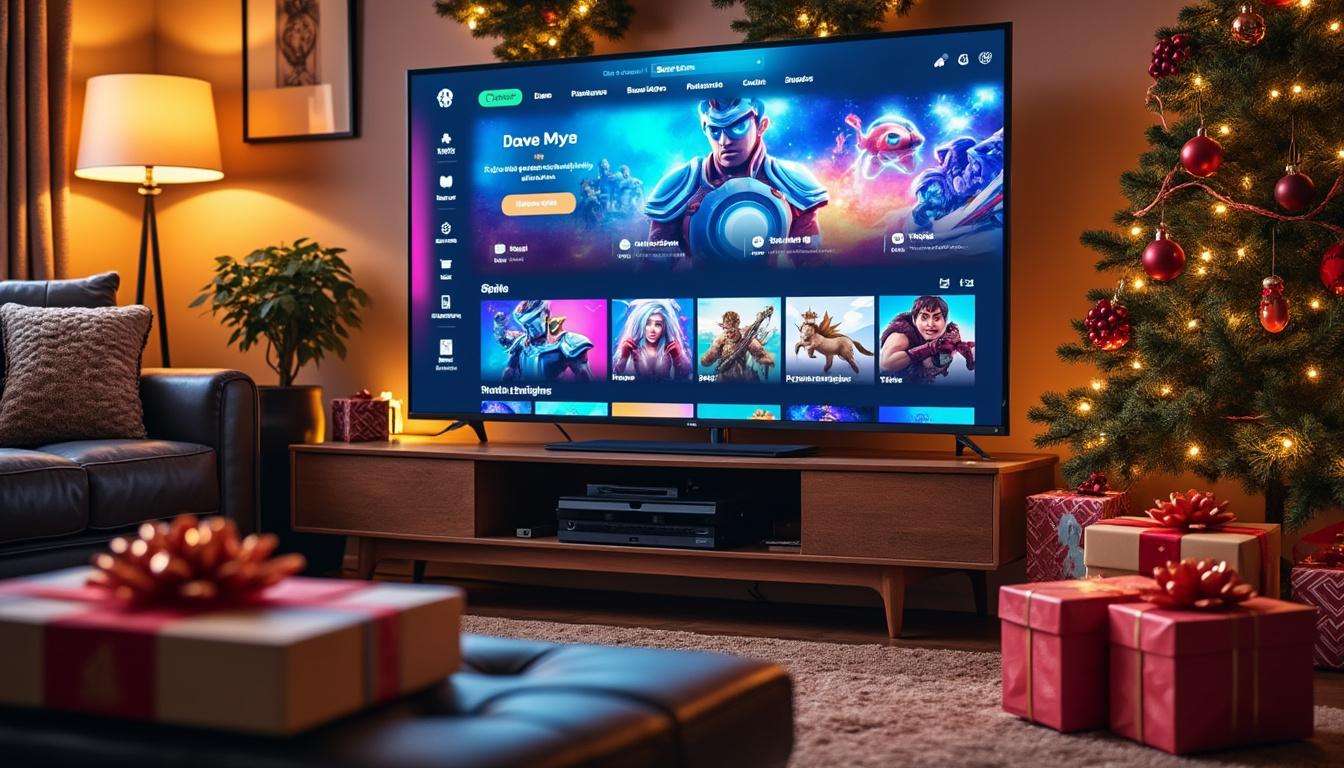
This holiday season, gifting digital games removes shipping, returns, and last minute runs to stores. Use storefronts on console, PC, handhelds, or web to send near instant surprises. On Xbox and Windows, the Microsoft Store lets you pick a title, select a friend or enter an email, and deliver a redeemable code in minutes. You keep control of timing, add a message, and include add-ons or subscriptions for a fuller package. I follow a simple routine when I prepare gifts for friends and teammates. First, check account region rules. Second, confirm platform ownership. Third, pick a payment method that works with the recipient account. Fourth, add a short teaser message that avoids spoilers. This guide shows platforms, pitfalls, and examples from a gamer named Alex. Alex uses an Xbox console, a gaming PC, and an ROG Xbox Ally handheld. He gifts across devices while keeping purchases legal and smooth. The steps here apply to single purchases, gift cards, and bundled codes. You will find a practical gifting guide, a step-by-step flow for purchase and redemption, plus tips for holiday timing and spoiler-free delivery. Read on for platform specific steps and a checklist you can use the next time you choose a digital gift.
Digital Gifting
Alex prepares gifts from his Xbox most evenings. He opens the Microsoft Store, finds the title, and looks for the gift icon. The process works on console, Windows, and in the web store. Follow this checklist before purchase.
- Confirm recipient region and account email
- Verify game platform and ownership
- Decide between direct gift or game codes
- Pick payment method and keep a receipt
Example: Alex bought a seasonal shooter on Xbox, added a message, and scheduled the send for Christmas morning. The recipient redeemed the code from email and started download on their console. This step secures a smooth first play. Digital games reduce waste and speed delivery.
Holiday Gifting
Timing matters during the holiday season. Sales run across stores, including Black Friday and winter promotions. Use the windows where prices drop to stretch your budget. Alex tracks deals across outlets before buying.
- Watch major sale events for price drops
- Compare storefront price to gift card value
- Reserve titles on wishlist to monitor changes
For curated discount lists and seasonal picks, check resources that compile console and PC bargains. Use those lists to decide between a full game or an add-on. A smart buy delivers surprise and value for the recipient. Holiday gifts feel better when the price matches the hype.
Game Gifting Tips
Gifting a subscription or add-on needs special attention. Subscriptions tie to accounts while add-ons require base games. Alex checks compatibility before purchase. Use this list to avoid common mistakes.
- Confirm base game ownership for DLC
- Check regional restrictions on subscriptions
- Send a gift message that avoids spoilers
- Keep proof of purchase until redemption completes
Pro tip: For cross-platform players, prefer universal codes or gift cards when unsure. Gift cards let recipients choose between titles and keep the surprise. This method keeps options open and avoids account mismatches. Game gifting works best with a small verification step before checkout.
Step-by-Step
This section walks you through the exact clicks on console, PC, and web. Each platform uses a similar flow. Alex follows the same routine across devices to avoid mistakes.
- Open the Microsoft Store on console or PC
- Find the title, add-on, or subscription to gift
- Select the menu and choose Buy as gift
- Choose an Xbox friend or enter the recipient email
- Pick payment method and confirm purchase
- Notify recipient about timing and spoilers
On web and Windows, you will only have the email option. On console, you may pick a friend from your list. After purchase, the recipient receives a code on console and via email. That code redeems in minutes. This routine avoids failed deliveries and mixed accounts.
Online Games Help
Some titles exist only as online games with account layers and server rules. Alex once sent an online game that required extra steps for access. Follow this quick checklist for online-first titles.
- Confirm server region and account requirements
- Check if the gift is a license or a code
- Read publisher redemption instructions
- Keep communication open with the recipient
If a title involves a separate launcher, include setup steps in your message. A brief guide from you saves time and avoids frustration. This attention to access details ensures playtime starts fast. Online games need one more check than offline titles.
Gift Cards Guide
When in doubt, buy a gift card or code. Gift cards remove compatibility doubts and let recipients choose. Alex uses gift cards for friends who own multiple platforms. Use these tips when selecting card value and delivery method.
- Choose store-specific cards for the intended platform
- Match card value to current sale prices
- Send digital codes with a personal message
- Keep the order confirmation until redemption
For curated bargain lists and seasonal picks, use reliable roundups. These sources highlight top discounts across platforms and help pick a card value that buys a full title. A card gives recipients freedom and reduces mismatched purchases. Gift cards offer flexibility and fewer errors.
biggest bargains on console and PC
Xbox retro classics update
holiday console discounts
retro classics roundup
How do I gift a game on Xbox console?
Open the Microsoft Store on your console, find the title, select the menu, choose Buy as gift, select a friend or enter an email, pick payment and confirm. The recipient gets a redeemable code via console message and email.
What if the recipient lives in another country?
Microsoft Store gifts require matching account regions. If accounts differ, use a store gift card or a global code from a reputable retailer to avoid regional blocks.
Can I gift subscriptions or add-ons?
Yes. Subscriptions and add-ons appear in the store gift options. Confirm base game ownership for DLC and check subscription rules before purchase.
What if the recipient does not receive the code?
Keep your order receipt. Verify the recipient email and check spam folders. Contact Microsoft support with purchase details if the code fails to appear.