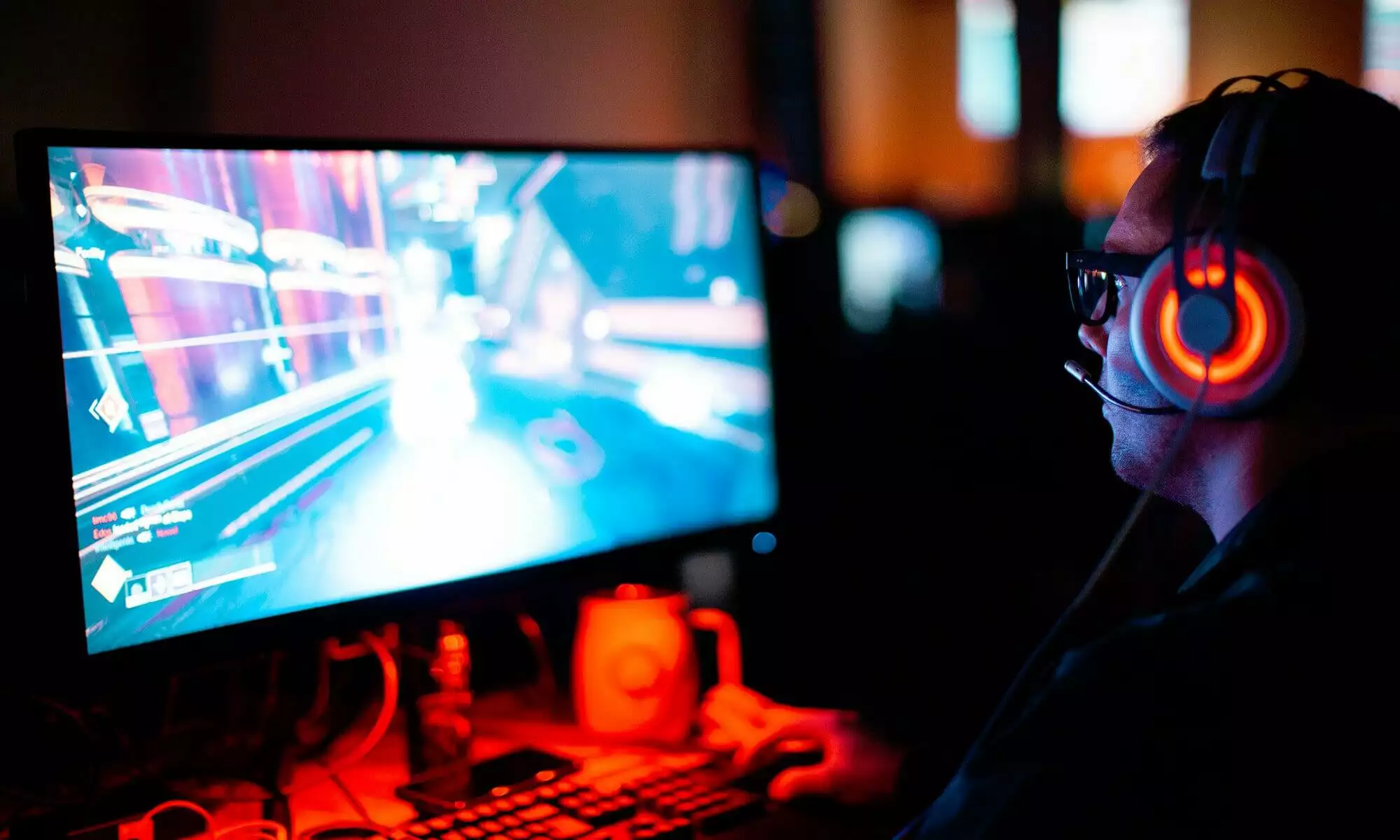
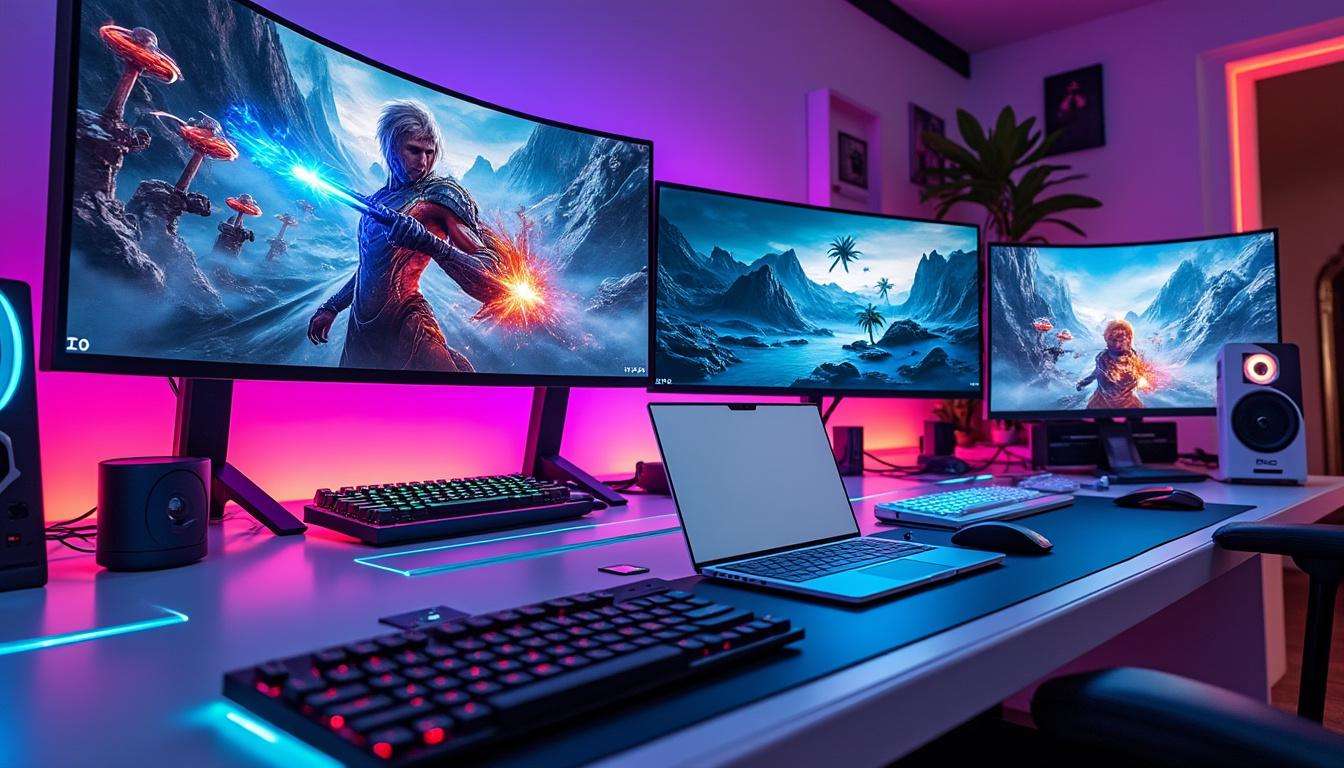
I started as a Hardcore PC Gamer. My desktop ruled my life for decades. In late 2025 my ROG laptop failed after years of overheating and dodgy builds. Cash ran low near the holidays. RAM prices exploded, and replacing a gaming PC felt out of reach. I kept a high-end Chromebook as a stopgap. Months passed, and the stopgap became my daily driver.
That switch forced a personal Tech Shift. Streaming services filled gaps when a native title did not exist on ChromeOS. I played many favorites using cloud platforms. Some PC staples, like strategy and sandbox titles, now live on consoles and streaming platforms. My priorities changed. Family life, work, and time budgets shaped play sessions more than specs.
Chromebook Shift
I learned how a Chromebook Owner lives. Security required less babysitting compared with Windows. Fewer crashes, fewer updates that break workflows. I still miss modding and deep tinkering, but daily tasks feel cleaner. Performance for casual play surprised me. Streaming blurred the line between local and remote gaming for long sessions.
Hardcore Gamer Exit
My gamer identity stayed, but priorities shifted. I juggle a family, freelance hours, and a social life. Questing for frames per second felt less urgent. I kept tabs on major releases and esports. When a must-mod title arrived, I planned a return to PC after saving and hunting deals.
Gaming Without PC
Streaming services provided immediate access to many PC-first games. GeForce Now bridged gaps when a title lacked native ChromeOS support. Some streamed sessions matched local play in feel and latency during my tests. Visual fidelity fell short for max settings, yet gameplay remained solid for long sessions with friends.
Tech Transition
Choices shaped my user flow. Buy a refurbished GPU and rebuild, or lean into consoles and cloud. I picked a middle path. I postponed a full system rebuild. Streaming kept my backlog active. I tracked hardware prices and platform updates while saving for a custom rig.
- Check streaming libraries for your favorite titles before switching.
- Test latency from your home network at peak hours.
- Prioritize battery lifeand thermals on your laptop for long sessions.
- Use external storagefor mods and offline installs when possible.
- Hunt dealson refurbished components during sales.
These steps helped me keep gaming momentum while saving. Each step reduced frustration and smoothed the transition to a Chromebook-first setup.
User Experience
The User Experience on ChromeOS surprised me. Tabs stayed snappy until I overloaded memory. Minecraft hung only on rare occasions. Running a few Steam titles natively felt feasible on a high-end Chromebook. Fallout 4 ran at modest settings. For full graphical power, I planned a console or future PC upgrade.
Performance Notes
Performance matters to a former Hardcore PC Gamer. Streaming removes local GPU limits, yet network stability became the bottleneck. Console ports removed many compatibility issues for long-term play. I followed price trends for custom builds, including the recent surge in component costs described in industry reports. A growing number of players weigh subscription services before buying hardware. For market context, read a report on rising component costs such as steam machine prices surge and industry moves like Xbox innovations 2026.
My insight is practical. Save first, test streaming on your network, then decide if a new rig is urgent. This path reduced impulse purchases and preserved my gaming habits while finances recovered.
How did a Hardcore PC Gamer switch smoothly to a Chromebook?
I prioritized streaming for heavy titles and kept a shortlist of native games on ChromeOS. Testing network latency and using an external controller improved the experience. Saving for a future PC reduced pressure to buy immediately.
Will performance on a Chromebook replace a gaming PC?
Streaming removes local GPU limits for many titles, yet local modding and max graphics remain PC strengths. Use a Chromebook for daily tasks and streaming, then add a dedicated PC when your budget allows.
Which titles work best on ChromeOS setups?
Casual, indie, and many console ports run fine. Strategy and simulation games that support controllers or cloud play fit well. For a list of notable releases, review curated coverage from major outlets and platform libraries.
How do tech trends affect a Chromebook Owner?
Subscription services and stronger console ports shift options away from needing a high-end PC. Market shifts and hardware price swings influence upgrade timing. Track offers and sales to make informed buys.