Old controllers pile up in closets across the gaming community. You bought them for hours of play, not landfill duty. As sales of gaming accessories grow and the market chases new models, a flood of unused peripherals emerges. By 2030 the global market for gaming peripherals will reach $16.6 billion, a sign of strong demand and rapid turnover. Many modern controllers use potentiometer joysticks that lead to stick drift. Hall-effect sticks use magnets and resist wear. Major manufacturers faced lawsuits over drift, which pushed players to keep spares and hunt for fixes.
Alex, a pro gamer and modder from Ohio, turned a box of obsolete controllers into a toolkit. He sells some, recycles some, and harvests parts for DIY mods. His approach mixes practical recycling, clever upcycle projects, and simple electronics salvage. This article shows how you will repurpose video game controllers for PC and mobile play, how to extract useful electronics, and how to launch fun creative projects that upgrade your gear and cut waste.
Repurpose Gear
Your old controllers still hold value. First-party controllers often work across PC and mobile with no extra software required.
Use DualSense and DualShock profiles on Steam, Android, and iOS. Xbox Wireless controllers work natively on Windows and many phones. Alex uses two spare controllers for handheld testing and streaming setups. Keep spares on hand to avoid buying new gaming accessories every time one unit fails. This habit stretches lifespan and saves money.
Recycle Or Sell
If you want to clear space, recycling or resale yields good results. Big box stores run electronics recycling programs that accept controllers and batteries.
Best Buy accepts drop-offs and offers mail-in recycling boxes starting at $22.99 for remote locations. Staples and Lowe’s handle select items. For resale, trade-in programs accept recent first-party controllers. Retro gear finds higher value on reseller sites such as eBay or through specialty retailers. Alex sold a batch of PS4 controllers on a reseller site and used proceeds to buy a Hall-effect mod kit. Selling reduces waste and funds upgrades.
Upcycle For PC
Repurpose legacy controllers for PC and mobile play. Older controllers often plug into USB or pair over Bluetooth with small tweaks.
Retro controllers require mods for wireless use. Kits like wireless upgrades for NES controllers exist and fit simple DIY workflows. Alex modified an SNES controller for use with his laptop and handheld. Upcycling avoids buying new gadgets and preserves original hardware for future collectors.
Retro Mods Guide
Modding unlocks new life for old peripherals. Hall-effect sticks and mechanical switches are popular swap-ins that raise performance and reduce drift.
Modders commonly replace rubber membranes with clicky switches for crisp input. For handhelds, install Hall-effect joysticks like the BRONAL TMR to solve drift issues. Alex documents swap steps and stores spare parts in labeled containers. Always test parts on a bench before final assembly to ensure reliability.
Repurpose Ideas
Here are high-value ways to upcycle and repurpose your old gear. Each entry includes a quick use case you can follow tonight.
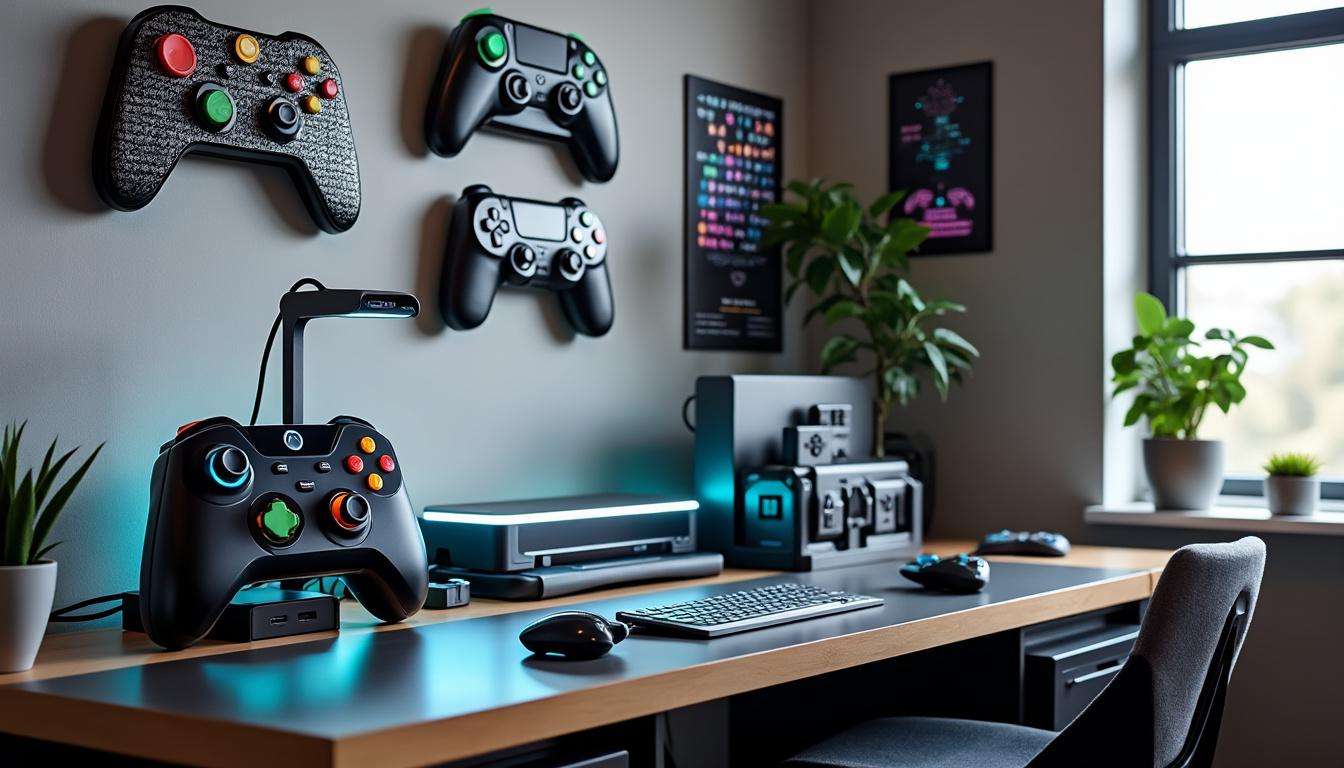
- Wall Art, mount colorful controllers as retro decor for a gaming room.
- Smartphone Stand, cut and shape a controller shell to cradle your phone during play.
- PC Controller, use USB adapters or Bluetooth mods to connect older pads to your PC.
- Arcade Buttons, harvest switches for custom arcade cabinets and fight sticks.
- Spare Parts, store joysticks and triggers for future repairs on main controllers.
- Desk Lamps, convert shells into lamp bases with LED strips for ambient light.
- Key Holders, mount a controller on a board to hang keys and small tools.
- Teaching Kits, use broken controllers in beginner electronics classes for hands-on learning.
Tear Down Parts
Harvesting parts extends the life of newer controllers. Most peripherals from the last three generations use cross-compatible components.
Keep spare joysticks, triggers, PCBs, and connectors. When your current pad suffers stick drift, swap in a harvested joystick instead of buying a new controller. Alex keeps a small parts drawer labeled by console and generation. This practice lowers downtime and supports ongoing DIY projects.
Modding Essentials
Start with basic tools: a Phillips screwdriver set, soldering iron, desoldering braid, and multimeter. Use ESD precautions with modern PCBs.
Choose Hall-effect joysticks for longevity, and replace rubber pads with mechanical switches when response matters. Document each swap with photos so reassembly is straightforward. Final insight, keep a small parts inventory to reduce repair costs and improve gear uptime.
Are old controllers worth recycling or selling?
Yes. Recent first-party controllers fetch trade-in value and retro pieces sell on reseller markets. Recycling programs at major retailers accept controllers and batteries for proper disposal.
What parts are most useful for DIY mods?
Joysticks, triggers, mechanical buttons, and PCBs provide the largest reuse value. Hall-effect joysticks are ideal for replacing drift-prone potentiometer units.
How do I use a console controller on my PC or phone?
Many first-party controllers pair natively over Bluetooth or USB. Steam, Android, and iOS include profiles for DualShock and DualSense. Xbox controllers connect natively to Windows and many phones.
Should I mod a rare retro controller?
Avoid stripping highly collectible retro pieces. Use mass-market or recent-generation controllers for parts. Preserving rare hardware protects future value.