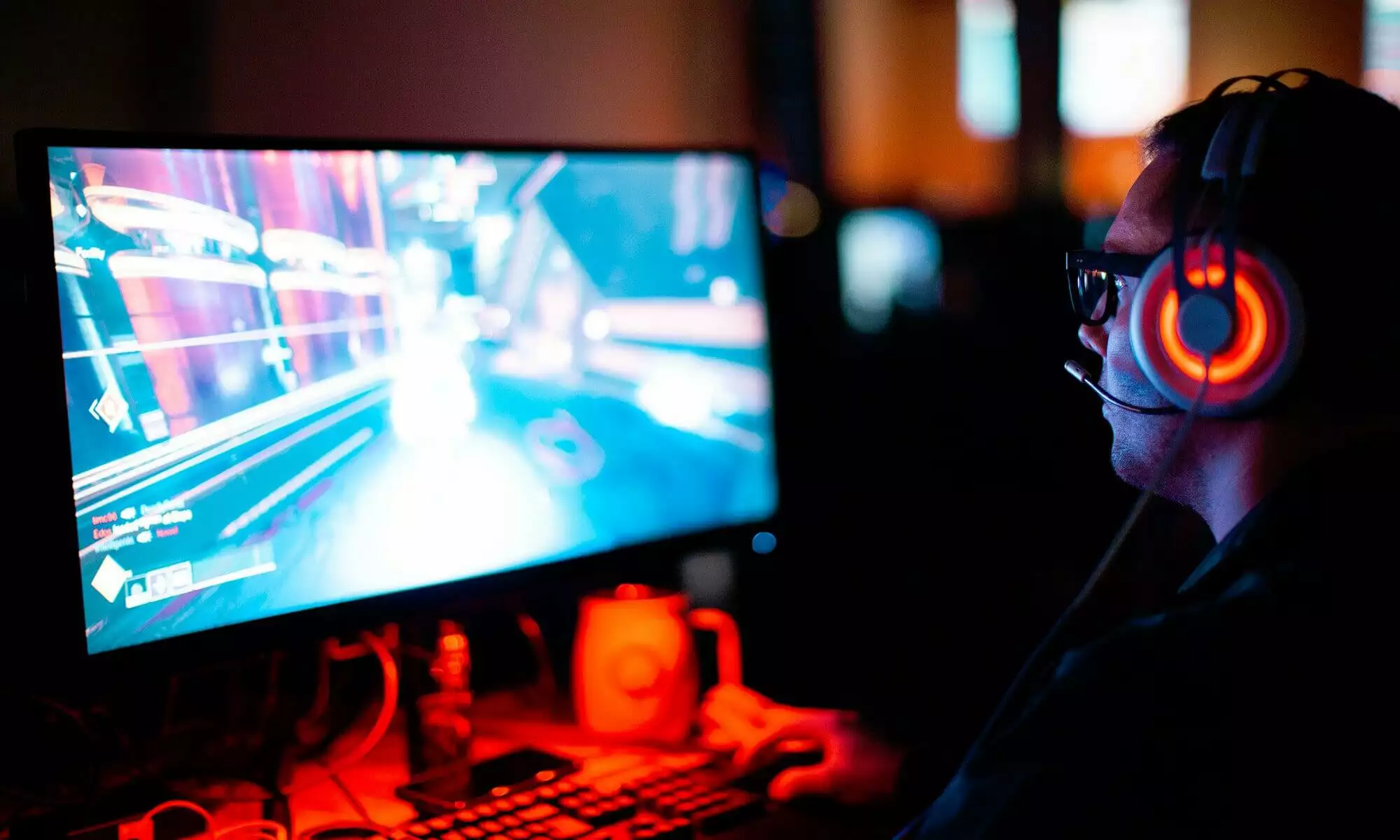
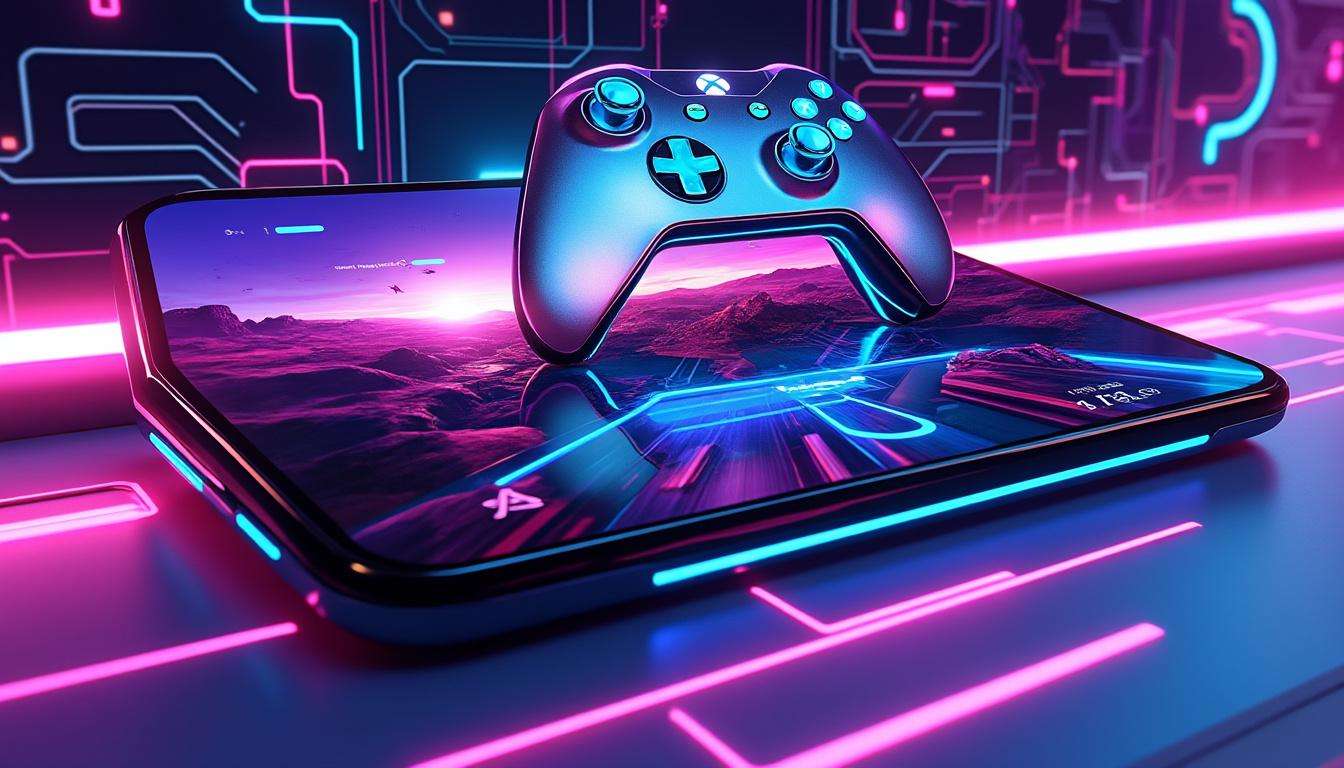
The November Xbox Update brings a batch of focused changes for players who want fast, fluid play across devices. This release puts Gaming Copilot into the Xbox Mobile App, extends the Full-Screen Mode to more Windows devices, and adds user control over stream quality up to 1440p. Alex, a pro gamer who tests features for long sessions, found the update improves access, reduces friction, and speeds up recovery during tough encounters. The update also expands cloud reach into new regions and TV platforms, and adds hands-on options for controller and touch play.
Expect practical upgrades more than flashy changes. You will see clearer navigation, a controller-first user interface, and smarter streaming options. The update bundles hardware news, new titles added to Play Anywhere, and limited time offers for custom gear. Players who follow product launches will find links to previews and hands-on writeups useful for buying or upgrading before holiday sales. This release focuses on playability and choice, not on complexity.
November Update
Alex started here. The November Xbox Update groups improvements across cloud, UI, and hardware. The list below summarizes the highest impact changes for players who want control and speed.
- Gaming Copilot arrives on mobile via the Xbox Mobile App, for in-game assistance and voice interaction.
- Full-Screen Mode expands to more Windows handhelds and Windows 11 PC form factors, adding a console-style interface.
- Game Streaming gains a user-selected resolution option with support up to 1440p.
- Cloud gaming expands into new countries and more TV platforms, lowering barriers for players.
- Accessories and limited edition controllers receive fresh promos and engraving offers ahead of holiday sales.
For a deeper dive into the new Play Anywhere additions and the Game Pass lineup, check the Xbox Game Pass November lineup. For details on the FSE preview on Windows 11 PCs, see the preview FSE on Windows 11 PCs.
Copilot Mobile
The Gaming Copilot launch on mobile changes how you handle tough sections. Alex used voice prompts mid-bossfight, and regained momentum without pausing play. The feature targets moments when quick info or input shortcuts matter most.
How It Works
- Voice Mode lets you speak commands while the game runs.
- Push to Talk and Mini Mode exist on PC for compact overlays.
- The mobile Copilot runs inside the Xbox Mobile App, with a persistent panel for tips and commands.
Practical example, Alex hit a puzzle that cost three retries. He opened Copilot, asked for a step hint, executed the move, and kept his win streak. This saves time and keeps flow during ranked or speedrun attempts. For wider context on platform launches and cross-buy, review recent lists of new video game releases.
Key insight, Copilot reduces downtime and keeps your focus on play rather than menus.
Full Screen Mode
The Full-Screen Mode update makes Windows devices feel more like consoles. Navigation shifts to a controller-first layout, hiding distractions and highlighting games and library items. Alex tested this on a handheld PC and found task switching smoother during streams and local play.
FSE On More PCs
- Supports more Windows handhelds already on market.
- Windows Insiders can preview FSE on additional PC form factors.
- Pair a controller and use a streamlined home screen built for play.
Manufacturers such as ROG brought similar full-screen modes with hybrid devices. For background on handheld launches and hybrid builds, read the ROG Ally coverage at ROG Xbox Ally launch details and the MSI handheld writeup at MSI Claw handheld review. Alex noted fewer accidental clicks and faster game resumes. Final insight, FSE keeps you in the game with minimal menu friction.
Cloud Gaming
Cloud updates deliver two clear wins. First, players receive a User Selected Resolution choice before launching streams. Second, new regions and TV platforms expand reach. India joins the cloud market, making Xbox cloud options available to millions more players.
Resolution Choice
- Select a streaming resolution up to 1440p for supported titles.
- Adjust quality to match network or battery goals.
- Game Pass Ultimate subscribers get higher stream options where available.
Cloud on TVs in Brazil and Argentina now includes LG and Fire TV support, plus a broader Fire TV device rollout. Install the Xbox app on supported Fire TV hardware and pair a controller for instant access. For a snapshot of current Game Pass offerings and cloud availability, see the Xbox Game Pass lineup and the Game Pass November notes at Xbox Game Pass November lineup.
Alex streamed at 1440p during a group session and reported sharper textures with stable input. Insight, choosing resolution gives players control over fidelity and stability.
Accessories News
This update includes accessories and promo moves aimed at holiday shoppers. Microsoft rolled free engraving for Xbox Design Lab orders for a limited period, plus new limited edition controllers tied to a major movie. Accessories focus on comfort and portability for long sessions.
Gear Highlights
- Free engraving on controller purchases from November 28 through December 12.
- Backbone Pro – Xbox Edition offers wired and wireless play across phones, tablets, and TVs.
- Limited edition SpongeBob controllers arrive ahead of the movie release on December 19.
For timing and buying tips during discount windows, review curated offers at Black Friday gamer deals. Alex recommends testing grip and trigger feel before long sessions. Final insight, targeted promos make upgrades easier without overpaying.
Play Anywhere Updates
More than 1,000 games support Xbox Play Anywhere, letting you buy a title once and play across console and PC. Recent additions include a wide mix from racers to indies. Alex uses Play Anywhere to switch from couch to handheld without losing progress.
New Games List
- Titles added this month span genres from action to simulation.
- Progress, DLC, and achievements follow your account across devices.
- Cloud streaming adds over 1,000 titles from your library to the stream catalog.
For fresh release tracking and weekly drops, follow the lists at new video game releases. Example, Alex picked up a new racer from a recent list and continued practice on PC, then finished a tournament on console without setup changes. Final insight, Play Anywhere removes barriers between sessions.
How do I use Gaming Copilot on mobile?
Open the latest Xbox Mobile App, navigate to the Copilot tab, and keep the app active during play. Use Voice Mode for hands free prompts or tap the Copilot panel for quick hints.
Which devices support Full-Screen Mode?
Full-Screen Mode now supports more Windows handhelds in market and additional Windows 11 PC form factors in the Insider preview. Pair a controller for the console style interface.
How do I select stream resolution?
Before launching a cloud session, choose your preferred streaming resolution in the Xbox app. Supported titles offer up to 1440p for Game Pass Ultimate subscribers.
Where is Xbox Cloud Gaming expanding?
Cloud gaming expanded into India and added support for more LG and Fire TV devices in regions such as Brazil and Argentina. Availability varies by region and device.